Questions about a new platform tend to arrive in a pile: what it is, how to sign up, who can send a message, and where to go for help. This Wingtalks FAQ answers them in the order we think new members ask them. Skim the quick list first, then jump to the longer answers when you want the detail.
Start Here: Five Quick Answers About Wingtalks
-
It is a communication platform where members exchange messages, share photos in conversations, and browse profiles
-
It runs through a browser, with a mobile website in place of a downloadable app
-
Verification is voluntary, and many members can be verified
-
You can report a profile, a photo, a message, or a newsfeed post, and you can block a member from a profile page or from inside a conversation
-
Support is available around the clock
Getting Started With Wingtalks
What Is Wingtalks Used For?
The platform is built for conversation. Members write messages, send email letters when a note needs more room, share photos inside a conversation, and browse profiles in a gallery. The newsfeed gives members a place to share posts and updates. Likes, playful signals, and follows let you show interest without writing a message, which helps when you are still getting a feel for the site.
How Do I Sign Up for Wingtalks?
Registration asks for a name, an email address, and your age. Names and email addresses are checked against a list of prohibited terms, so a name that breaks the rules is rejected. After that, you can build a profile with a photo and a few lines about yourself. Anything beyond the basics is up to you.
How Does Wingtalks Login Work?
For your login, use the details you gave at registration.
Is There a Wingtalks App?
There is no downloadable app. The platform runs through a browser, and the mobile experience works through a mobile website.
Talking to Members on Wingtalks
How Do Icebreakers Work on Wingtalks?
Icebreakers are opening messages that come as templates, and one send can reach several members. The platform also has conversation starters for use inside a one-on-one conversation, with templates from the platform or ones you write yourself. Messages go to members who have opted to receive messages or shown prior interest, so choose recipients with that in mind.
What Can I Share in a Conversation on the Wingtalks Website?
The platform supports several kinds of exchange:
-
Short messages for quick back-and-forth
-
Email letters for longer notes
-
Photos, sent inside a conversation
What Can I Do Before I Write to Anyone?
Plenty. You can browse profiles, send likes and playful signals, follow members you want to come back to, and read the newsfeed, where members share posts and updates. None of these needs a message, so they suit the first few days, when you are still deciding what you want from the site.
How Do Search Filters Work on Wingtalks?
Location, age, and gender feed the search filters, so accurate entries matter. If you use the location filter, set it based on whether location is relevant to you. Leaving it open is a fair choice.
Trust and Unwanted Content on Wingtalks
How Does Wingtalks Handle Unwanted Content?
New members often wonder whether a platform is safe, or whether a newer site is legit, and that is a reasonable thing to ask before you share anything with a site you have only just found. Searches such as "is Wingtalks a scam" are common for any new name in digital communication, and Wingtalks answers with a description, not a promise.
The concern is widespread: a Pew Research Center survey fielded in April 2025 found that 73% of U.S. adults have experienced some form of online scam or attack, according to the Pew report on online scams and attacks. The platform takes measures to minimize unwanted content, and these are the pieces:
-
Public photos go through automated AI review before they appear, and a photo that goes against the community guidelines is not published
-
If you think a photo was removed by mistake, you can submit an appeal through your account settings
-
Any profile, photo, message, or newsfeed post can be reported, and our team reviews the report
-
Blocking works from a profile page or from inside a conversation, with or without a report
Profile activity is not visible to search engines. For background on the technology side, see this overview of how AI helps fight illegal content.
What if a Photo of Mine Is Removed?
Public photos go through automated AI review before they appear. If a photo was removed and you disagree, you can submit an appeal through your account settings. A clear photo of your face, without heavy filters or crowded backgrounds, is the simplest way to avoid the problem in the first place.
What Does Verification Mean on Wingtalks?
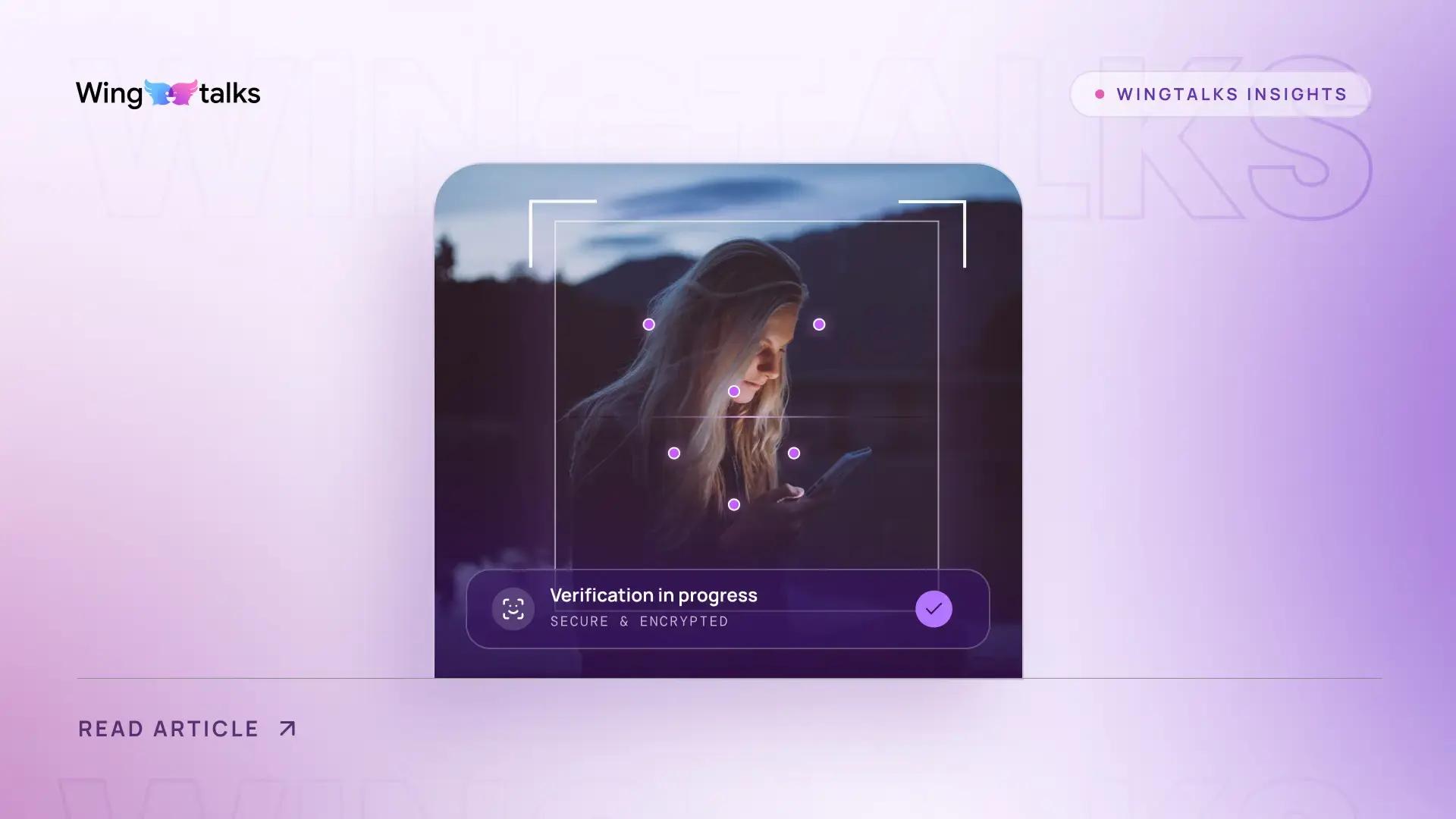
Verification is voluntary, and many members can be verified. A market-leading third-party vendor runs the check, and Wingtalks members who complete it receive a badge on their profile. Think of the badge as a receipt. It shows that a check took place and says nothing about how a person will write back.
Age verification is a separate step. When our systems detect signals that a member may be under 18, it is triggered, and that member must complete it to continue using the platform.
Habits That Help in Any Conversation
What Should I Keep Off My Profile?
We'd leave your phone number, street address, and workplace out of the bio. Anyone browsing can read it, and a detail you hold back can always be shared later, while a detail already posted cannot be taken back.
What Makes a Good First Message?
One detail from the other person's profile plus one question. A line such as "You mentioned baking, what was the first thing you learned to make?" gives the reader something easy to answer.
How Do I Know When to Slow Down?
We'd pause when the signals stack up. A story that changes between messages is one. Questions about your address or workplace in the first few messages are another, and so is a push to move the conversation to a different app. Any one of them can be innocent, so two or three together are the cue.
What if Someone Asks for Money?
We treat a request for money, gift cards, or financial help as a reason to stop, whatever story comes with it. Send nothing, stop replying, block the member, and report the profile or the message so the team can review it. The order matters less than the result: the conversation ends, and the report is filed.
How Do I End a Conversation I Don't Want?
In our view, a short line is enough: "Thanks for talking. I'm going to stop here." If you want the thread closed, block the member. You owe nobody a long explanation.
Money, Support, and Leaving
Is Wingtalks Free to Join?
Registration is free, and some features are paid. We suggest checking what you need before you rely on any single one. If you are unsure what a feature involves, ask Wingtalks support before you use it, because a quick question beforehand is easier than a surprise afterward. Support is the place to ask.
How Do I Contact Wingtalks Support?
Wingtalks support is available around the clock at [email protected], with an initial response within 24 hours and complex questions resolved within five days.
Can I Delete My Wingtalks Account?
Account deletion is available on request, and questions about it can go to support.
Still Missing Your Question?
Send it to Wingtalks support and name the feature it involves, such as messaging, verification, or search filters. A question that points at one feature is easier to answer than a general one.
Follow Wingtalks on Social Media
Wingtalks also keeps accounts on Instagram, YouTube, Facebook, X, Threads, Pinterest, and TikTok.